
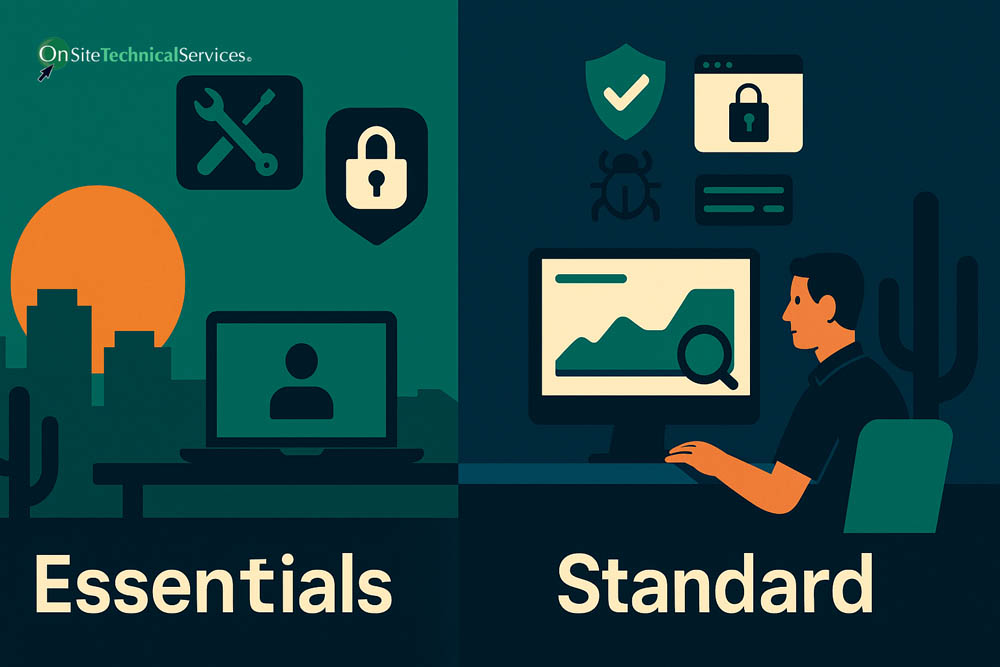
The short answer: the price difference reflects a scope difference, not just a product difference
A Managed Service Provider (MSP) Essentials plan starting at $100 per billable unit per month and a Standard Managed Services plan at $150–$200 per user per month are not two versions of the same thing at different prices. They represent different levels of operational responsibility. The security tools, support hours, and management tasks that appear on a Standard scope simply are not part of an Essentials scope.
If you are comparing plans from any provider, including Onsite Technical Services, the right question is not "which checklist is longer?" It is: "Which operational responsibilities does this provider carry, and which ones stay with my business?"
What Essentials covers (and what it does not)
The Essentials tier is an entry-level managed IT program. At Onsite Technical Services, it starts at $100 per billable unit per month. It is designed for businesses that need a defined, affordable baseline of IT support and security without the full recurring scope of a Standard engagement.
A well-constructed Essentials plan typically includes:
- Business-hours helpdesk support for end users
- Essential cybersecurity protections: antivirus, endpoint patching and updates, and basic malware and web content filtering
- Microsoft 365 administration at a baseline level: account provisioning, licensing management, and basic configuration
- Defined baseline monitoring for endpoints
What Essentials does not include is just as important. The broader security stack, deeper Microsoft 365 security oversight, identity threat monitoring, after-hours incident response, and the full recurring operational management that Standard provides are outside the Essentials scope. Those responsibilities do not disappear because they are not in the plan. They stay with your business, or they do not get done consistently.
Essentials is appropriate when a business has a limited current footprint, a constrained budget, and the internal awareness to understand which risks it is accepting. It is not a substitute for Standard when the security or operational demands of the environment require it.
What Standard Managed Services covers
Standard Managed Services at Onsite Technical Services runs $150–$200 per user per month, all-in for the managed service labor and the security stack. (Microsoft 365 licensing is always a separate line item, billed on Microsoft's terms. Network management, including firewall, switch, and wireless infrastructure, is also a separate line item and is never bundled into the per-user Standard rate.)
The Standard scope carries significantly more operational responsibility across six areas:
- Helpdesk and support coverage: Business-hours helpdesk for day-to-day end-user needs, combined with 24/7/365 monitoring and after-hours incident response. The helpdesk itself operates during business hours. The monitoring and incident response capability runs continuously.
- Microsoft 365 security oversight: Configuration, policy enforcement, security-baseline review, monitoring, and identity governance are active, recurring responsibilities. Microsoft keeps the platform running. Managing what is inside it, and keeping it secure, is the provider's job.
- Broader security stack: Endpoint Detection and Response (EDR), Managed Detection and Response (MDR) with live Security Operations Center coverage, Identity Threat Detection and Response (ITDR) watching for compromised accounts and unauthorized changes, Data Loss Prevention (DLP), advanced email protection, application allowlisting, full-disk PC encryption, SIEM log collection and retention, ransomware detection and response, and security awareness training with phishing simulations.
- Ongoing security management: Patching, configuration management, and security settings are maintained through a documented, repeatable monthly process, not handled reactively.
- Business Technology Reviews (BTRs): Periodic technology reviews are included in the Standard recurring scope. BTRs are not a separate add-on engagement. They are part of how Onsite Technical Services fulfills its Strategic Technology Advisor role, connecting technology decisions to business outcomes on a regular basis.
- Backup and recovery: Separate, protected copies of both endpoint data and Microsoft 365 content, including email, OneDrive, SharePoint, and Teams. Microsoft does not fully back up this data on your behalf.
The Operational Responsibility Scope Framework: how to compare any two plans
Price comparisons between managed IT plans are meaningless unless scope and responsibility are comparable. Use this six-factor framework to evaluate what any plan actually delivers.
| Factor | What to ask | Essentials | Standard Managed Services |
| Tools | Which security and management tools are actively administered on your behalf? | Baseline: antivirus, patching, basic filtering | Full stack: EDR, MDR, ITDR, DLP, email protection, allowlisting, encryption, SIEM, backup |
| Expertise | Who handles escalations, security events, and architecture decisions? | Helpdesk-tier for defined scope | Full team depth across helpdesk, security operations, and strategic advisory |
| Verification | How is the environment audited, reviewed, and documented? | Basic monitoring | SIEM log retention, BTRs, documented recurring process |
| Coverage and capacity | What hours does support and monitoring run? | Business hours | Business-hours helpdesk plus 24/7/365 monitoring and after-hours incident response |
| Security and risk responsibility | Who is accountable for the recurring security work? | Provider carries baseline; broader security responsibility stays with the client | Provider carries the full recurring security management program |
| Continuity and accountability | If something goes wrong at 2 a.m., who responds? | Not covered outside business hours | After-hours incident response is included; MDR SOC is live 24/7 |
A lower price on a competitor's plan may reflect a genuinely different operational scope, not a better deal. The work that is not in the plan does not disappear. It remains a risk the business carries itself.
What changes the cost within each tier
Within either tier, the monthly total is driven by several factors beyond the base per-user rate:
- User count: Both tiers are priced per user (or billable unit). A 10-person business and a 40-person business are at different total monthly costs even at the same per-user rate.
- Microsoft 365 licensing: This is always a separate cost. The license tier (Business Basic, Business Premium, or others) is its own line item and affects which capabilities are natively available before any MSP tooling is layered on top.
- Network management: Managing your firewall, switches, and wireless infrastructure is a separate line item at Onsite Technical Services. It is not bundled into the Standard per-user rate regardless of environment.
- Servers, cloud infrastructure, and additional locations: These add complexity and cost beyond the per-user baseline.
- Regulated industry requirements: Healthcare, financial services, and defense-sector businesses typically operate under compliance frameworks (HIPAA, the FTC Safeguards Rule, or CMMC) that require additional security controls and management overhead. Managed services for these environments are priced as a separate, higher planning range, not as Standard with a few add-ons.
- Projects, migrations, hardware, and assessments: These are always separate from recurring managed services, regardless of tier.
A practical example: a 15-user Phoenix business
To make the numbers concrete, consider a 15-person professional services firm in Phoenix with no regulated-industry requirements and a standard Microsoft 365 Business Premium setup.
- Essentials: 15 users at $100/user/month = $1,500/month for the managed IT program. Microsoft 365 licensing and any network management are separate and additional.
- Standard Managed Services: 15 users at $150–$200/user/month = $2,250–$3,000/month for the managed IT program. Microsoft 365 licensing and any network management are still separate.
The $750–$1,500/month difference buys a materially broader operational scope. Whether that scope is necessary depends on the risk profile of the business, the sensitivity of its data, its tolerance for after-hours exposure, and the security baseline its clients and partners expect. Businesses that handle sensitive client data, run customer-facing systems, or rely on technology continuity to generate revenue generally find Standard's scope is the appropriate baseline.
Which tier is right for your business?
Essentials is a reasonable starting point for businesses with a small, simple footprint, limited regulatory exposure, and a clear understanding of which responsibilities they are retaining. It is not a stepping stone that automatically becomes Standard over time. If your environment requires Standard-level security and oversight, operating on an Essentials plan means accepting that the gap between what is managed and what needs to be managed is your organization's problem to solve.
Standard Managed Services is the appropriate choice when:
- Your business depends on technology continuity to operate and generate revenue
- You handle sensitive client, financial, or personal data
- You need security events detected and contained outside business hours
- You want a provider that carries full operational responsibility for security, not just installs tools
- You need periodic strategic technology reviews built into the engagement, not billed separately
If you are uncertain which scope fits your situation, a scoping conversation with Onsite Technical Services will identify which operational responsibilities currently have no clear owner and what tier addresses them appropriately.
Frequently Asked Questions
Is the $100 Essentials plan enough for a small business with sensitive client data?
It depends on the nature of that data and your risk tolerance. Essentials provides a defined baseline of protection, but the broader security stack, after-hours incident response, and ongoing security management that Standard includes are not part of the Essentials scope. If your business handles sensitive client information and a breach or after-hours incident would cause serious harm, Standard is the more appropriate level of coverage.
Does the Standard Managed Services price include Microsoft 365 licensing?
No. Microsoft 365 licensing is always a separate line item, billed on Microsoft's terms, regardless of which managed IT tier you are on. The $150–$200 per user per month Standard rate covers the managed service labor and the security stack, not the underlying Microsoft licenses.
Is network management (firewall, switches, wireless) included in Standard Managed Services?
No. Network management is always a separate line item at Onsite Technical Services. It is never bundled into the per-user Standard rate, regardless of the size or configuration of the environment.
Are Business Technology Reviews an extra cost on top of Standard Managed Services?
No. Periodic Business Technology Reviews (BTRs) are included within the Standard Managed Services recurring scope. They are not a separate add-on engagement.
What happens if I start on Essentials and my needs grow?
Essentials and Standard are different scopes of operational responsibility, not a linear progression that happens automatically. If your business's environment or risk profile grows beyond what Essentials covers, moving to Standard is a deliberate scope and pricing change, not an automatic upgrade. Onsite Technical Services can help you identify when that threshold has been reached.
Does the $150–$200 Standard rate apply to regulated industries like healthcare or defense?
No. Healthcare (HIPAA), financial services (GLBA/FTC Safeguards Rule), and defense-sector (CMMC) environments require additional security controls and management overhead. These are priced as separate, higher planning ranges rather than Standard with add-ons layered on. Contact Onsite Technical Services for planning guidance specific to your regulated industry.